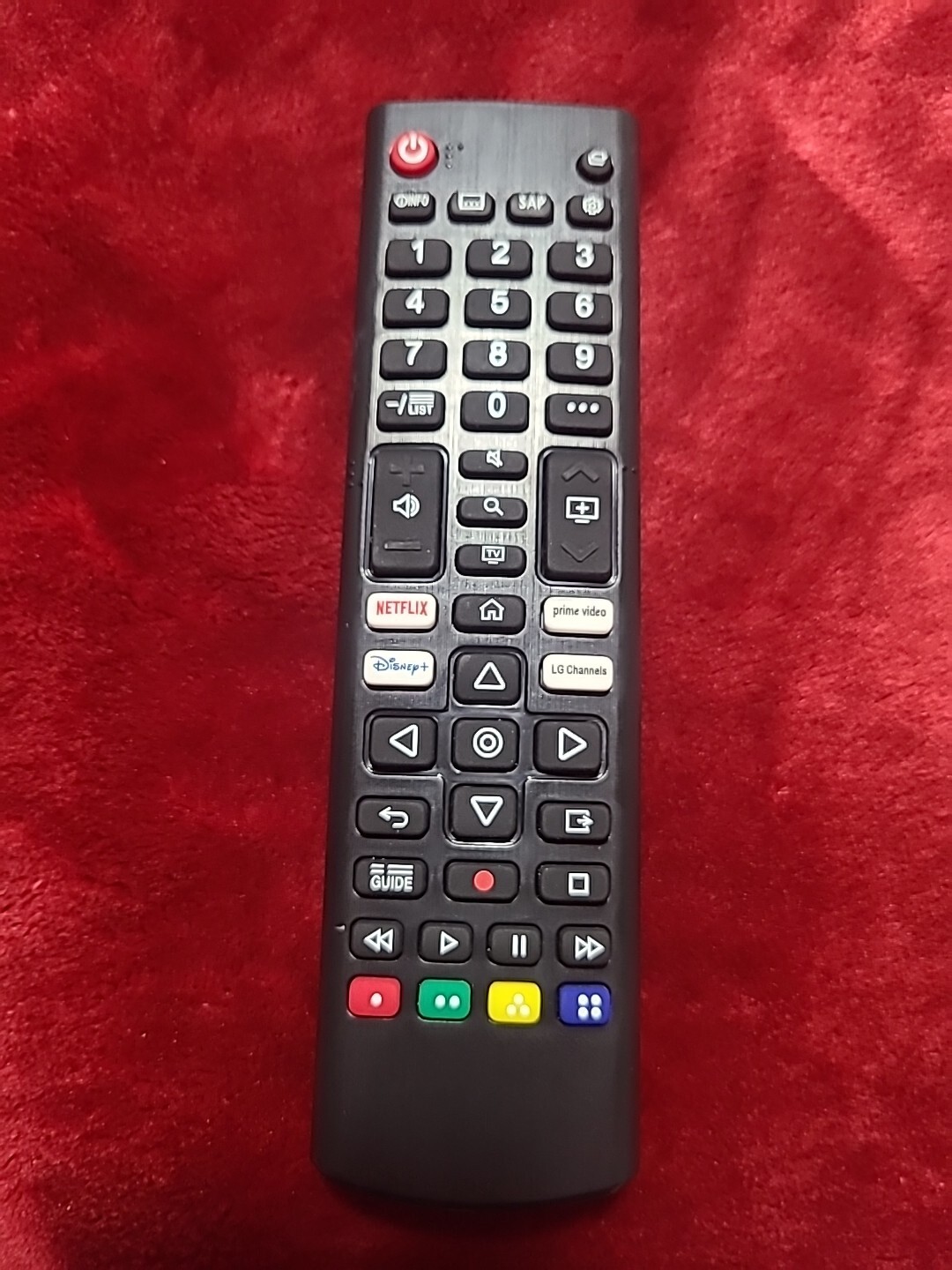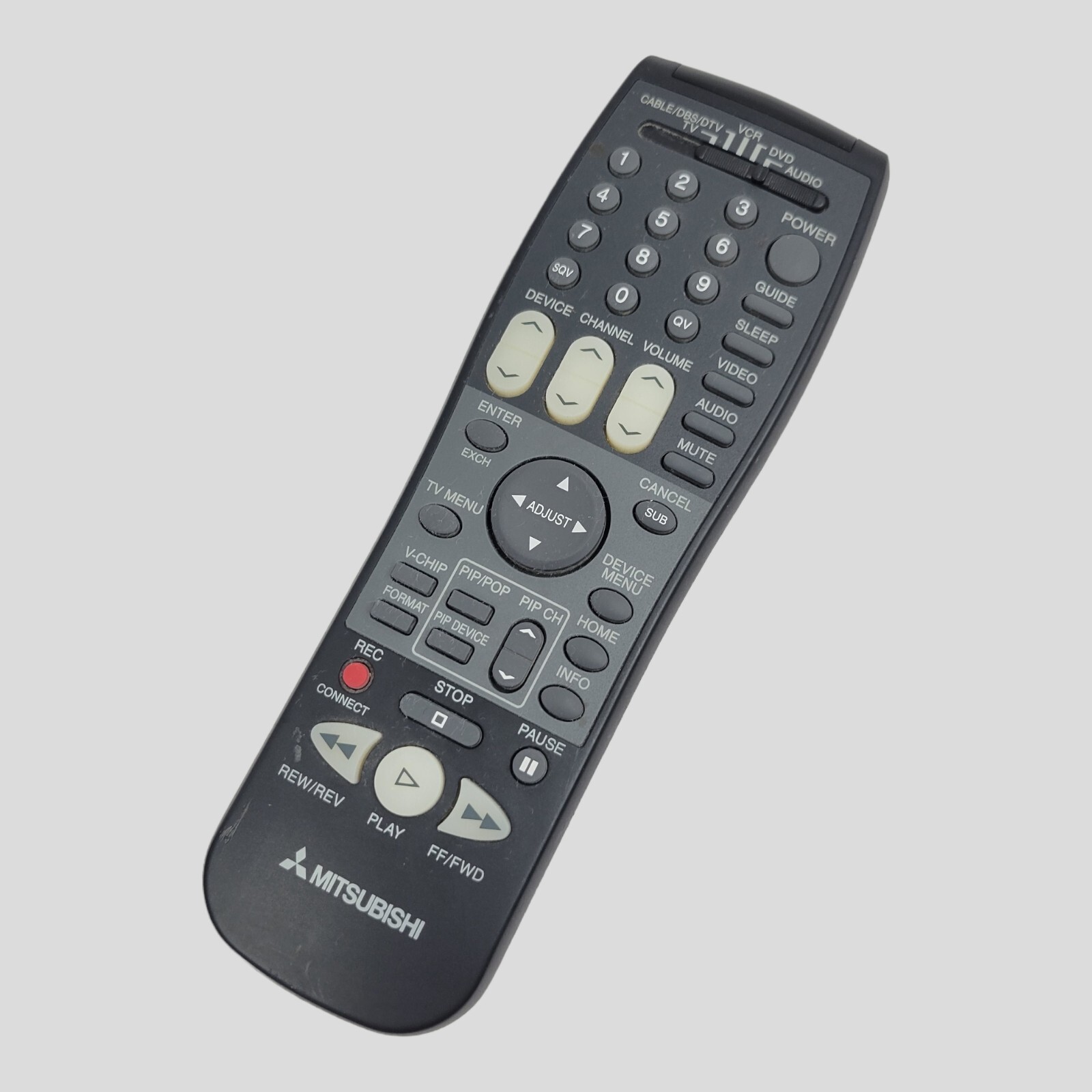


Universal TV Remote for RCA, Westinghouse, Emerson, LG, Samsung, Insignia, Ma...
$ 9.54
Description
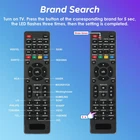
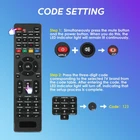
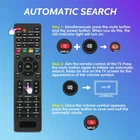
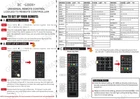
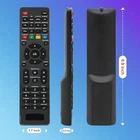
Universal TV Remote for RCA, Westinghouse, Emerson, LG, Samsung, Insignia, Magnavox,Element and More Brands Universal Remote Control.(Only for TV) Product Details Model: Universal For_TV Brand: Gmatrix MPN: Universal For_TV UPC: 693483651434 EAN: 0693483651434 Brand: Gmatrix Special Feature: Ergonomic Color: Black Max Number of Supported Devices: 100 Compatible Devices: Television Product Dimensions: 9 x 2 x 0.75 inches Item Weight: 2.08 ounces Item model number: Universal For_TV Batteries: 2 AAA batteries required. Is Discontinued By Manufacturer: No Date First Available: November 8, 2022 Manufacturer: Gamtrix GMatrix Electronics Factory Country of Origin: China NoticeThis remote control is only suitable for TVs and not for other devices. Not for audio and video devices, Blu-ray/DVD players, cable/satellite receivers, soundbars and more. (1) Code setting method: Press mute and power buttons together, then LED light is light on,then release them.Then input your 3 digit TV_CODE from code list. If the code is correct, the light will go out, and if the code is wrong, the light will continue to be on. (2) Brand setting method: after pressing the corresponding brand button for 5 seconds, the LED flashes for the third time, and the setting is completed (3) Automatic setting method:Simultaneously press and hold the power and mute buttons. The indicator light will stay on continuously. Then, release the power and mute buttons and press the mute button again to enter automatic search mode. Point the remote control at the television. If the volume button appears on the TV, press the power button again to save the current code. Preprogrammed for Samsung, LG, Philips, Sony, Panasonic and Westinghouse. During use, if you encounter situations where the functions of individual buttons are not used properly, please choose one of the above three methods, find the code corresponding to the brand of your TV, and try the functions of each button. If you are not satisfied, please try another code until you are satisfied. One-time setting, permanent power-off memory, will not change the setting because of changing the battery.